Calendly Pricing Plans: Complete Guide to Features & Costs 2024
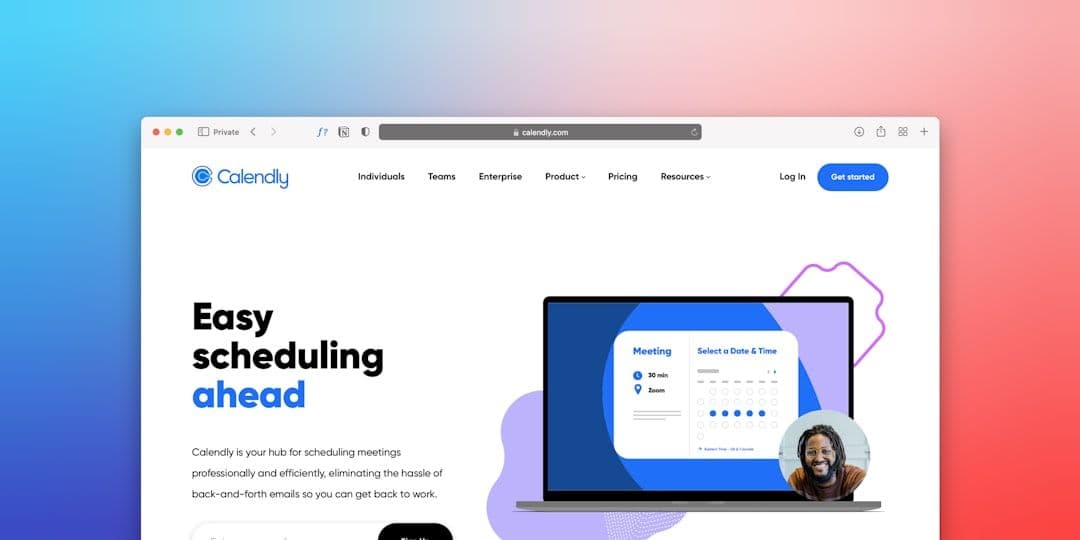
Choosing the right Calendly pricing plan can make or break your scheduling workflow. With four distinct tiers ranging from free to $20 per user monthly, each plan offers different features that serve specific business needs. Understanding these differences is crucial for freelancers and small business owners who want maximum value from their scheduling investment.
Calendly Free Plan: What You Get for $0
The Calendly free plan provides essential scheduling features that work well for individual users with basic needs. You get one calendar connection, unlimited one-on-one meetings, and basic scheduling preferences.
Key features include:
- Connect one calendar (Google, Outlook, or iCloud)
- Unlimited 15, 30, 45, or 60-minute meetings
- Basic scheduling preferences (buffer times, availability windows)
- Email notifications and confirmations
- Calendly branding on all booking pages
The main limitations hit when you need more calendar integrations or advanced features. You can't connect multiple calendars, which becomes problematic if you manage client work across different Google Workspace accounts. This is where tools that sync multiple calendars become valuable for freelancers juggling multiple client calendars.
For detailed coverage of free plan features and workarounds, check out our Calendly free plan guide.
Essentials Plan: $8 Per User Monthly
The Essentials plan removes most free plan restrictions while adding professional features that matter for growing businesses.
Upgrades include:
- Connect up to 6 calendars
- Remove Calendly branding
- Custom redirect after booking
- Calendar event details customization
- Text message notifications (SMS)
- Google Analytics integration
At $8 monthly, this plan makes sense for freelancers who book 10+ meetings per month and want a professional appearance. The ability to connect multiple calendars helps, but you're still limited to 6 connections.
The custom redirect feature proves useful for directing clients to onboarding materials or project briefs after they book. SMS notifications reduce no-shows significantly—studies show text reminders cut no-show rates by 30-40%.
Professional Plan: $12 Per User Monthly
The Professional tier adds advanced scheduling logic and team coordination features that benefit established freelancers and small teams.
New capabilities include:
- Unlimited calendar connections
- Group events (multiple invitees per booking)
- Custom questions on booking forms
- Conditional logic for booking flows
- Multiple duration options per event type
- Admin-managed events
- Salesforce integration
The unlimited calendar connections finally solve the multi-client problem for freelancers. Custom questions help qualify leads before meetings—you can ask about project budgets, timelines, or specific needs.
Conditional logic creates different booking paths based on responses. For example, discovery calls might route differently than project kickoff meetings.
Teams Plan: $16 Per User Monthly
Teams pricing focuses on collaboration features for organizations with multiple schedulers.
Team-specific features:
- Round-robin meeting assignment
- Collective availability across team members
- Team-wide admin controls
- Advanced reporting and analytics
- Single sign-on (SSO)
- Custom branding themes
The round-robin feature automatically distributes incoming meetings across team members based on availability. Collective scheduling lets clients book with "anyone available" rather than specific individuals.
For solo freelancers, this plan rarely justifies the extra cost unless you frequently coordinate with subcontractors or partners.
Enterprise Plan: $20 Per User Monthly
Enterprise pricing adds compliance and advanced security features primarily needed by larger organizations.
Enterprise additions:
- Advanced security controls
- SCIM user provisioning
- Advanced admin reporting
- Priority support
- Custom contracts and invoicing
Unless you work with enterprise clients requiring specific compliance standards, the Professional plan handles most small business needs.
Calendly Pricing Plans: Feature Comparison
Here's how the core features stack up across pricing tiers:
Hidden Costs and Considerations
Calendly pricing appears straightforward, but additional costs can accumulate:
SMS charges: Text notifications cost extra beyond included monthly credits. Essentials includes 100 SMS per month, Professional includes 300.
Integration limitations: While Calendly connects to major calendar platforms, complex workflows often require additional tools. Zapier connections might need separate subscriptions.
Meeting types: Each pricing tier limits the number of event types you can create. Free users get one event type, while paid plans offer more based on tier.
Calendar sync challenges: Even with unlimited calendar connections in higher tiers, Calendly only prevents conflicts—it doesn't create a unified calendar view. Freelancers managing multiple client calendars often need additional calendar syncing solutions to see everything in one place.
How to Choose the Right Calendly Pricing Plan
Select based on these key decision points:
Choose Free if: You book fewer than 10 meetings monthly, only need basic scheduling, and don't mind Calendly branding.
Choose Essentials if: You want professional appearance, need SMS reminders, or connect 2-6 calendars regularly.
Choose Professional if: You run complex booking workflows, need unlimited calendar connections, or want custom intake forms.
Choose Teams if: Multiple people schedule meetings, you need round-robin distribution, or require team reporting.
Choose Enterprise if: You need compliance features, advanced security, or priority support.
For most freelancers, Professional hits the sweet spot between features and cost. The unlimited calendar connections and custom questions justify the $12 monthly investment if you book 15+ meetings per month.
Calendly Alternatives Worth Considering
Before committing to Calendly pricing, evaluate these alternatives:
Acuity Scheduling: Similar features at competitive pricing, with stronger customization options. Our Calendly vs Acuity comparison covers the detailed differences.
Google Calendar Appointment Slots: Free with Google Workspace, though limited in features compared to dedicated scheduling tools.
Doodle: Better for group scheduling and finding mutual availability among multiple participants.
For a comprehensive list, check our guide to the best Calendly alternatives for freelancers.
Making the Most of Your Calendly Investment
Once you've selected a plan, maximize value with these strategies:
- Set up proper availability windows: Use buffer times and realistic meeting durations to prevent back-to-back scheduling chaos.
- Create intake forms: Custom questions save time by gathering project details before meetings start.
- Use integrations wisely: Connect your CRM, video conferencing, and project management tools to automate workflows.
- Monitor no-show rates: SMS reminders significantly reduce missed appointments—track this metric to measure ROI.
Calendly pricing plans offer clear value progression from basic scheduling to enterprise-grade features. Most freelancers find Professional provides the best balance of capabilities and cost, especially with unlimited calendar connections and custom booking forms. The key is matching your actual scheduling volume and complexity to the right feature set—paying for unused capabilities wastes money, while choosing too basic a plan creates workflow friction that costs time.