Time Blocking Planner: Best Tools & Setup Guide for 2024
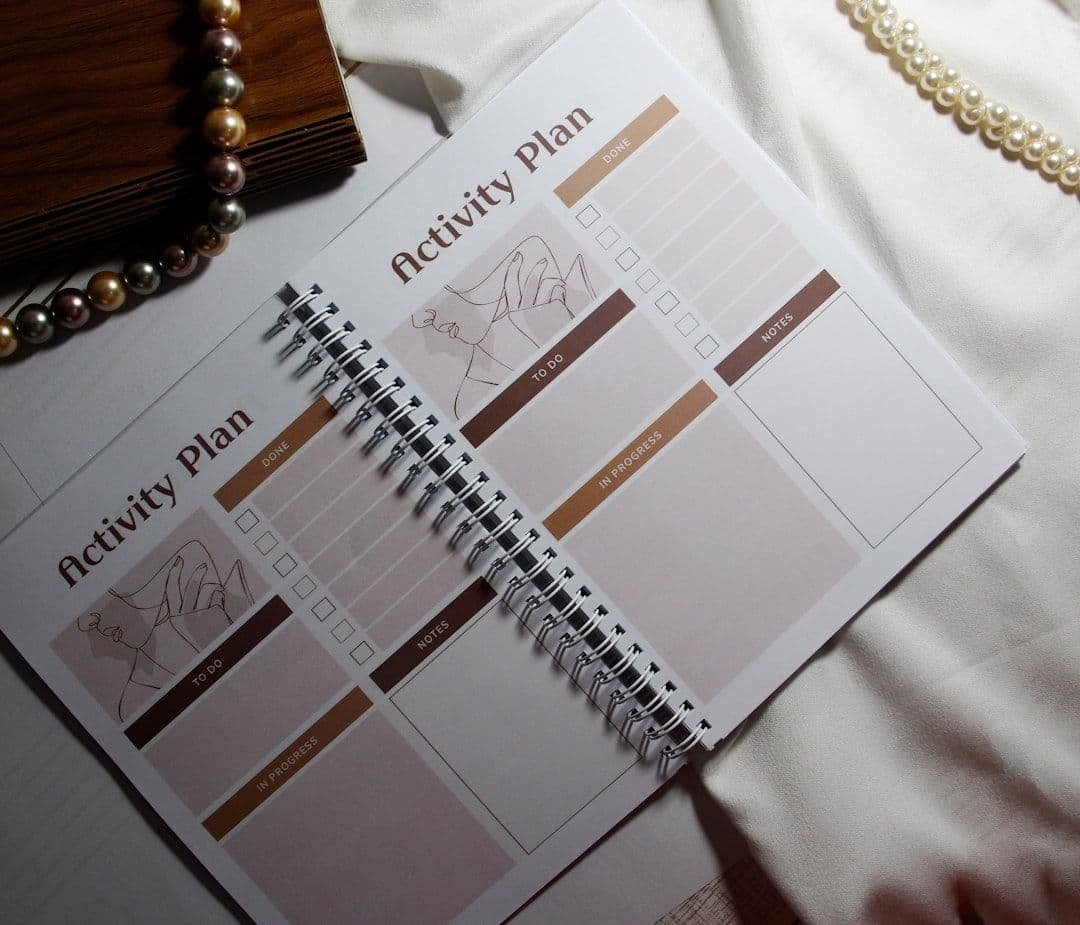
A time blocking planner is your secret weapon for turning chaotic workdays into productive, focused sessions. Instead of juggling endless to-do lists, you assign specific time slots to each task, creating a visual roadmap for your day.
Freelancers and small business owners especially benefit from time blocking planners because they handle multiple projects, clients, and deadlines simultaneously. The right planner transforms overwhelming schedules into manageable, color-coded blocks that show exactly where your time goes.
What Makes a Great Time Blocking Planner
The best time blocking planners share several key features that separate them from basic calendars or task managers.
Visual clarity tops the list. Your planner should display time blocks as distinct, easy-to-scan sections. Whether you prefer hourly grids, daily columns, or weekly spreads, the layout must let you grasp your schedule at a glance.
Flexibility comes second. Real work doesn't follow perfect 30-minute chunks. Your planner needs to handle 15-minute calls, 3-hour deep work sessions, and everything in between. It should also let you drag blocks around when priorities shift.
Integration capabilities matter for digital planners. If you use Google Calendar for client meetings, your time blocking planner should sync with it seamlessly. This eliminates the headache of maintaining separate systems.
For freelancers managing multiple Google Workspace accounts, a tool that syncs your calendars automatically becomes essential. You can see all your commitments in one unified view without constantly switching between accounts.
Digital vs Paper Time Blocking Planners
The digital versus paper debate isn't about which is "better" — it's about which matches your workflow and preferences.
Digital planners excel at integration and automation. Google Calendar, Notion, and dedicated time blocking apps can pull in meetings, sync across devices, and send notifications. They're ideal if you:
- Work across multiple devices
- Need to share schedules with clients or team members
- Want automated reminders and notifications
- Prefer color-coding and visual customization
Paper planners offer tangible benefits that digital can't match. The physical act of writing engages different parts of your brain, often improving memory and commitment to your blocks. They work best if you:
- Find screens distracting during planning sessions
- Enjoy the ritual of handwriting your schedule
- Want a backup that doesn't depend on batteries or internet
- Prefer sketching, doodling, or adding visual elements
Many successful time blockers use a hybrid approach: digital for scheduling and reminders, paper for daily planning and reflection.
Top Digital Time Blocking Planner Options
Google Calendar remains the most popular choice for digital time blocking, and for good reason. It's free, integrates with Gmail and other Google Workspace tools, and offers excellent mobile apps.
To set up Google Calendar for time blocking:
- Create separate calendars for different project types (Client Work, Admin, Personal)
- [Use color coding](https://www.calsync.party/blog/google-calendar-color-coding) to distinguish between focus work, meetings, and breaks
- Set default event durations that match your preferred block sizes
- Enable notifications 10-15 minutes before each block starts
Notion provides more customization for complex workflows. You can create database views that show time blocks alongside project notes, deadlines, and client information. The learning curve is steeper, but the flexibility pays off for detailed project management.
Clockify and Toggl Track combine time blocking with automatic time tracking. You plan your blocks, then track actual time spent. This data helps refine your time estimates and identify productivity patterns.
Motion uses AI to automatically schedule your time blocks based on task priorities, deadlines, and calendar availability. It costs $19-34/month but can save hours of manual planning.
For freelancers juggling multiple client accounts, keeping all your calendars in sync eliminates the risk of double-booking or missing important deadlines across different Google Workspace environments.
Physical Time Blocking Planners That Work
The Passion Planner leads the physical planner category with dedicated time blocking layouts. Each day shows hourly blocks from 7 AM to 10 PM, plus space for priorities and reflection. The weekly and monthly views help with longer-term planning.
Clever Fox Planner offers similar hourly layouts but adds goal-setting sections and habit trackers. The quarterly format prevents you from buying more planner than you'll actually use.
BestSelf Co. SELF Journal focuses on 13-week sprints with daily time blocking pages. It's designed around productivity principles, making it easier to stick with your blocking habit.
For budget-conscious planners, Rocketbook provides a reusable middle ground. You write on special pages that sync to digital apps, then erase and reuse the planner. One Rocketbook can replace years of paper planners.
Many freelancers create custom planners using:
- **Bullet journal dot grid notebooks** with self-designed layouts
- **Printable templates** from Etsy or productivity blogs
- **Excel or Google Sheets** printed weekly for a hybrid approach
Our time blocking templates guide includes free downloadable templates you can print and customize.
Setting Up Your Time Blocking Planner System
Successful time blocking starts with honest assessment of your current time usage. Track your activities for one week without changing anything. Note when you're most focused, when interruptions happen, and how long tasks actually take.
Next, categorize your work into blocks:
Focus blocks (90-120 minutes): Deep work, writing, coding, design
Meeting blocks (30-60 minutes): Calls, client check-ins, team meetings
Admin blocks (30-45 minutes): Email, invoicing, scheduling
Break blocks (15-30 minutes): Rest, meals, movement
Start with larger blocks and break them down as needed. Most people overestimate their focus capacity initially — begin with 60-90 minute focus blocks rather than attempting 3-hour marathons.
Buffer time prevents schedule collapse. Add 15-minute buffers between meetings and 30-minute buffers around important deadlines. This accounts for calls running long, technical issues, or unexpected urgent requests.
Color-coding makes your schedule scannable. Assign colors by:
- Project type (blue for Client A, green for Client B)
- Work category (red for urgent, yellow for routine)
- Energy level (bright colors for focus work, pastels for admin)
Review and adjust weekly. Friday afternoons work well for evaluating what worked, what didn't, and how to improve next week's blocks.
Making Time Blocking Stick
Start small — block just your most important 2-3 hours daily. Perfect those before expanding to full-day blocking.
Batch similar tasks within blocks. Instead of scattered email throughout the day, create two 30-minute email blocks. This reduces context switching and increases efficiency.
Protect your blocks like client meetings. When someone requests time during a focus block, offer alternative slots just as you would for any other appointment.
Build in flexibility with "flex blocks" — 30-60 minute slots kept open for urgent items or overflow from other blocks.
Track your wins — note when time blocking helped you complete important projects, meet deadlines, or feel less scattered.
Conclusion
The right time blocking planner transforms your relationship with time from reactive to intentional. Whether you choose a digital tool like Google Calendar, a physical planner, or a hybrid approach, consistency matters more than perfection.
Start with one week of basic time blocking using whatever tool feels most natural. Focus on protecting 2-3 hours of deep work daily and batching similar tasks together.
Ready to take control of your schedule? Choose your time blocking planner, set up your first week of blocks, and experience the calm that comes from knowing exactly what you're working on and when.